

Format: PWA • Download size: none • Android: modern browser • Developer: Stake
Stake Mobile Screenshots
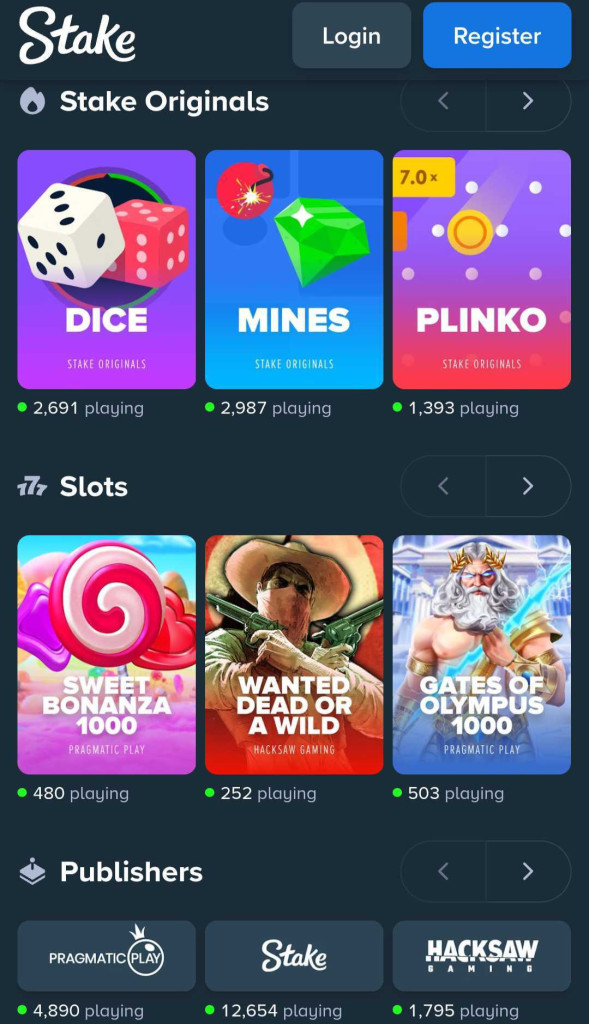
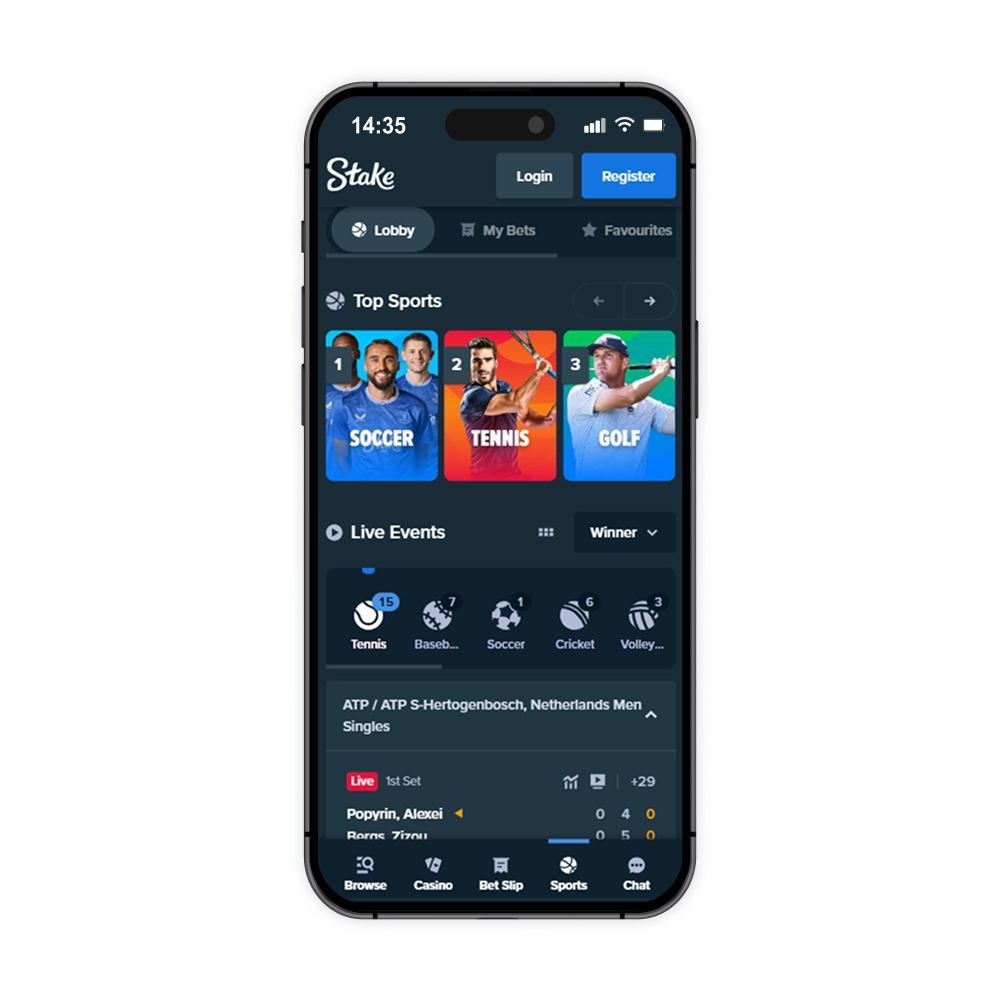
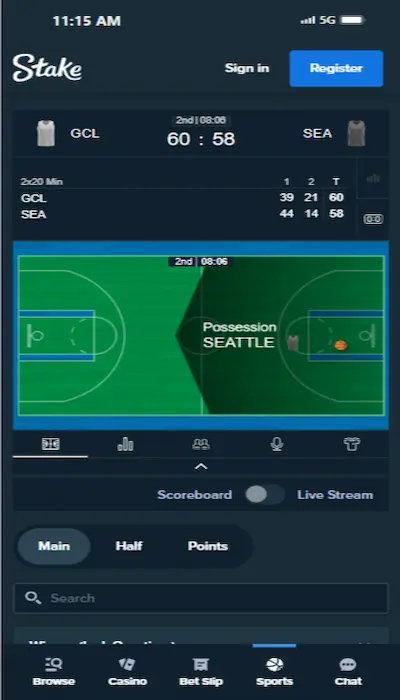
On Android, Stake works as a mobile website that can be added to the home screen. Stake does not offer an official APK, so files carrying that name in third-party catalogs should not be treated as the operator’s app.
A Home-Screen Shortcut Is Not an APK
Open the official website in Chrome, open the browser menu, and choose Add to Home screen. Stake then launches in its own window, but the interface is still loaded from the website and no installation package is required.
The PWA does not reserve tens of megabytes of permanent storage, although the browser keeps a cache. Removing the shortcut does not delete the account or history; both remain on the server and return after the next sign-in.
Sports and Casino Share One Web Session
The bottom navigation connects the sportsbook, bet slip, casino and chat. In Sports, users choose a competition and market; in Casino, they choose a game and provider. The balance is shared, while betting and game-round histories remain in separate sections.
Live scores and odds can change independently of the video stream. When a market is suspended, its selection becomes unavailable in the bet slip. The final confirmation should always be checked against the bet number in account history.
Crypto Deposits Depend on the Selected Network
For a crypto deposit, Stake displays both a wallet address and the selected network. Matching the coin name alone is not enough: a transfer sent through another network may not be credited. Recheck the address immediately before sending funds.
Keep the transaction hash and request number for any disputed payment. Never give support a seed phrase, private key or two-factor authentication code. End sessions manually in the account settings after using a device that is not yours.
The PWA Updates When the Website Opens
No separate update is required. The interface receives changes when the website reloads. If an old screen remains, close the PWA, clear cached data for the Stake website only, and sign in again.
Availability depends on the country and local rules. Use only the official domain and never install a third-party “Stake APK,” even if its icon looks correct.