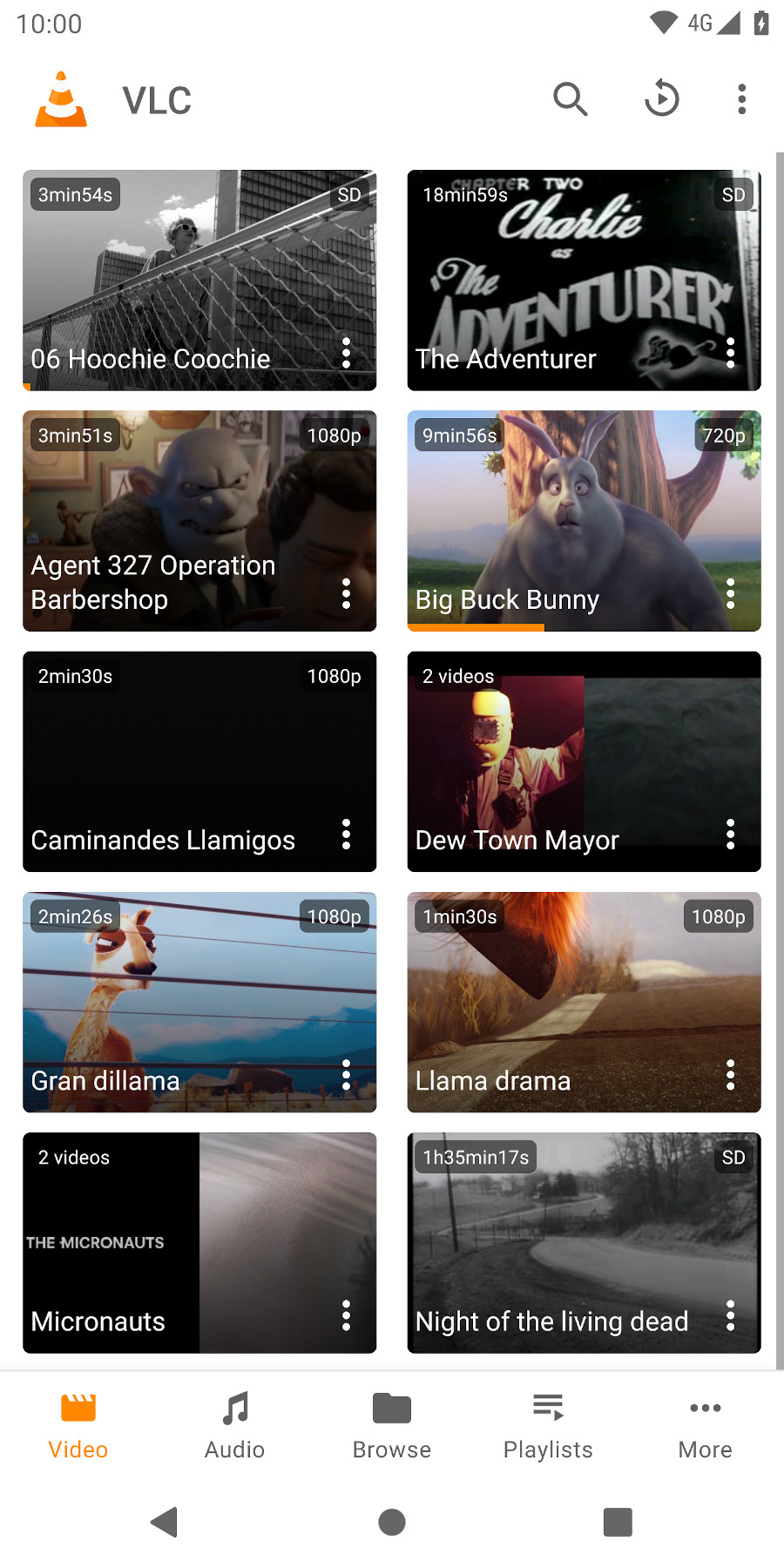
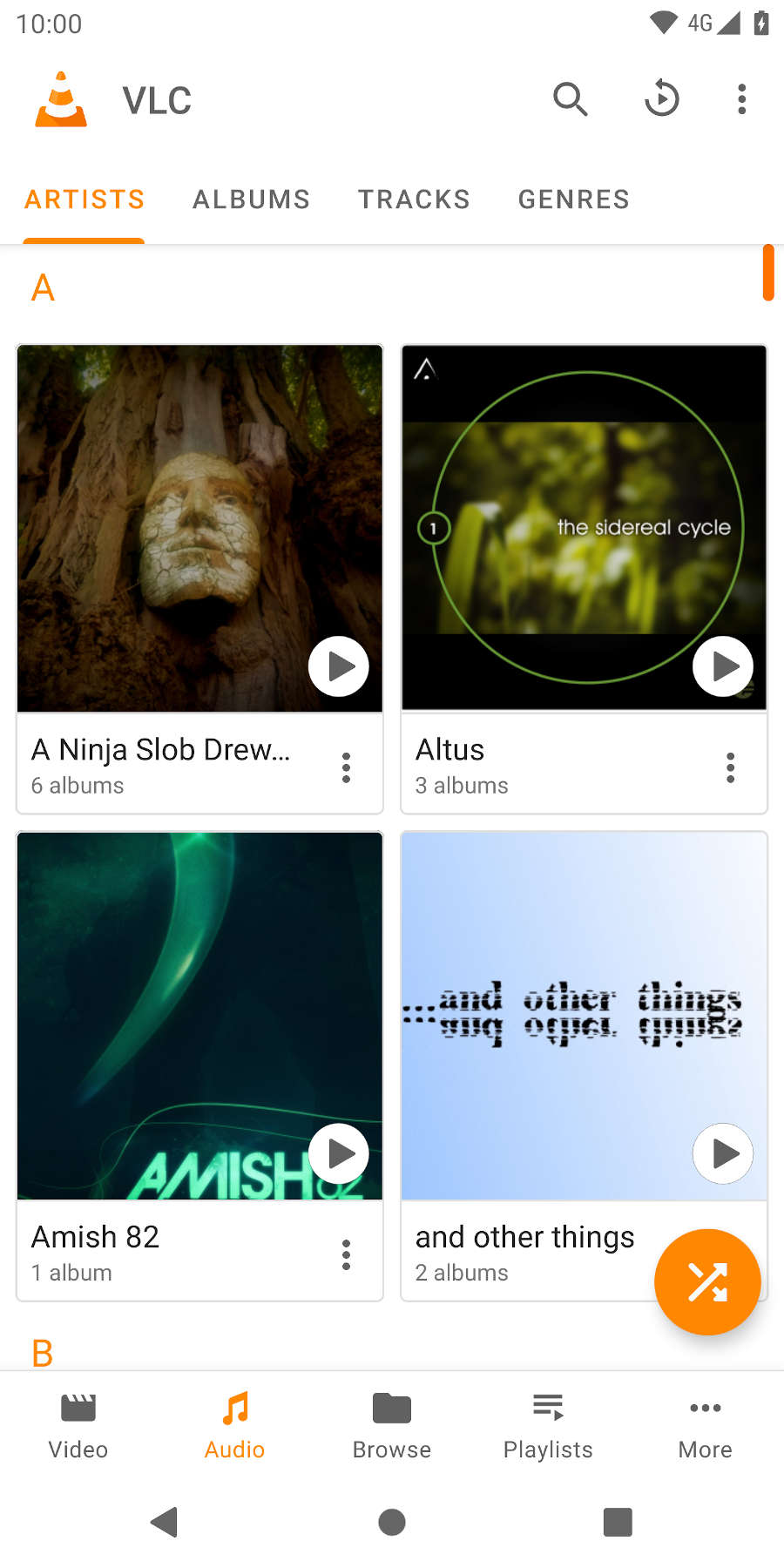
VLC opens local video and audio files in separate libraries, making a crowded Downloads folder easier to navigate. Tap a video to resume playback or browse by folder when filenames are more useful than thumbnails. Music can continue while another app is open, with playback controls in the notification area.
Subtitle handling goes beyond simply switching them on. You can choose an external subtitle file and adjust its timing when dialogue and captions drift apart. This is useful for a film kept on the phone with a separate translation, where rebuilding the video would be unnecessary.
A network stream can be opened by entering its address, and VLC can browse supported sources on a local network. Playback quality then depends on both the connection and the source server. If a stream stalls, trying a local file helps distinguish a network problem from a decoding problem.
The two images below show VideoLAN’s Android video and audio libraries. The Google Play link leads to VideoLAN’s official listing. When an unfamiliar site offers a modified installer, compare the publisher and package name before installing anything on the device.