

Store version 52.9.21 weighs 98 MB
- Version: 52.9.21
- Size: 98 MB
- Developer: Google LLC
Data as of September 2026
Discovery, updates, family purchases and security checks
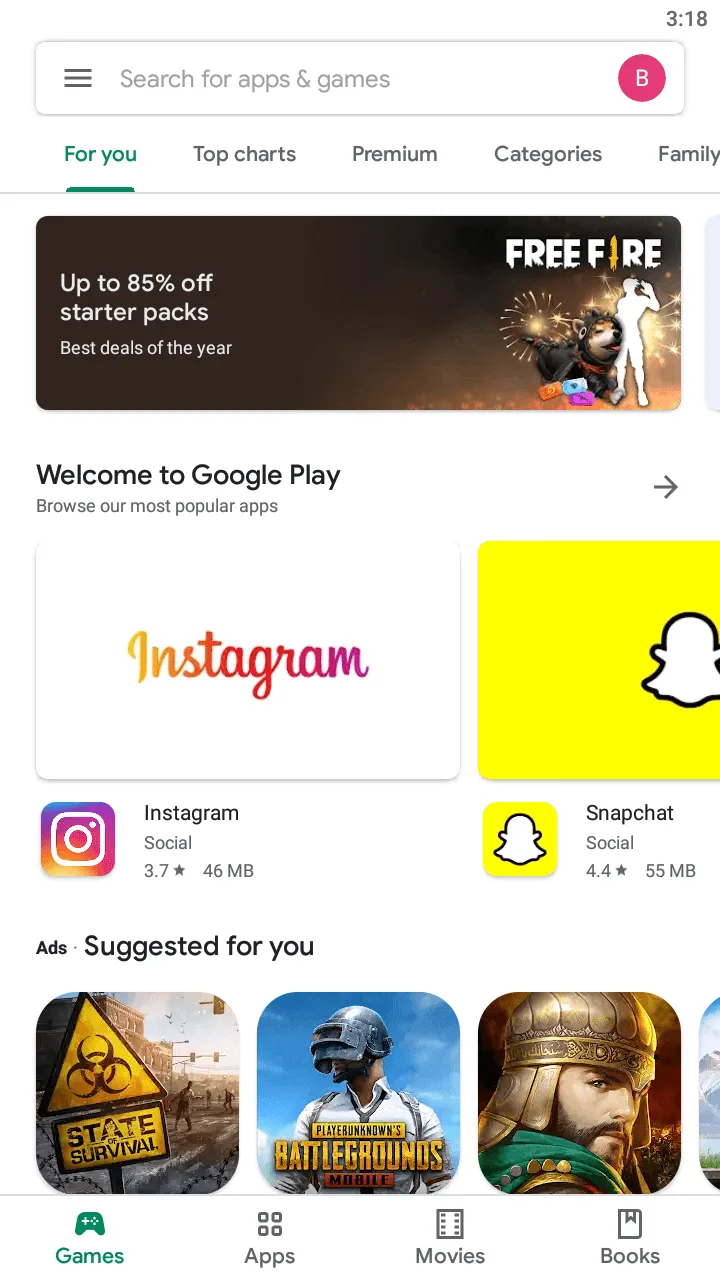
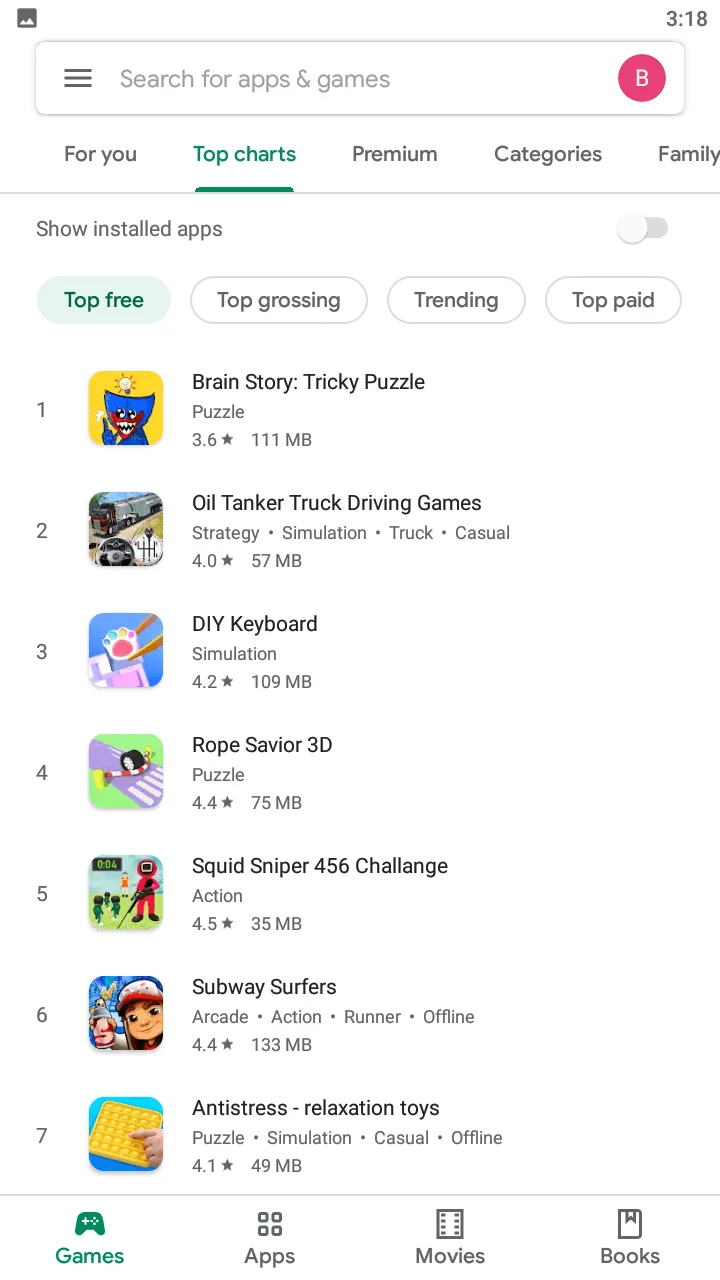
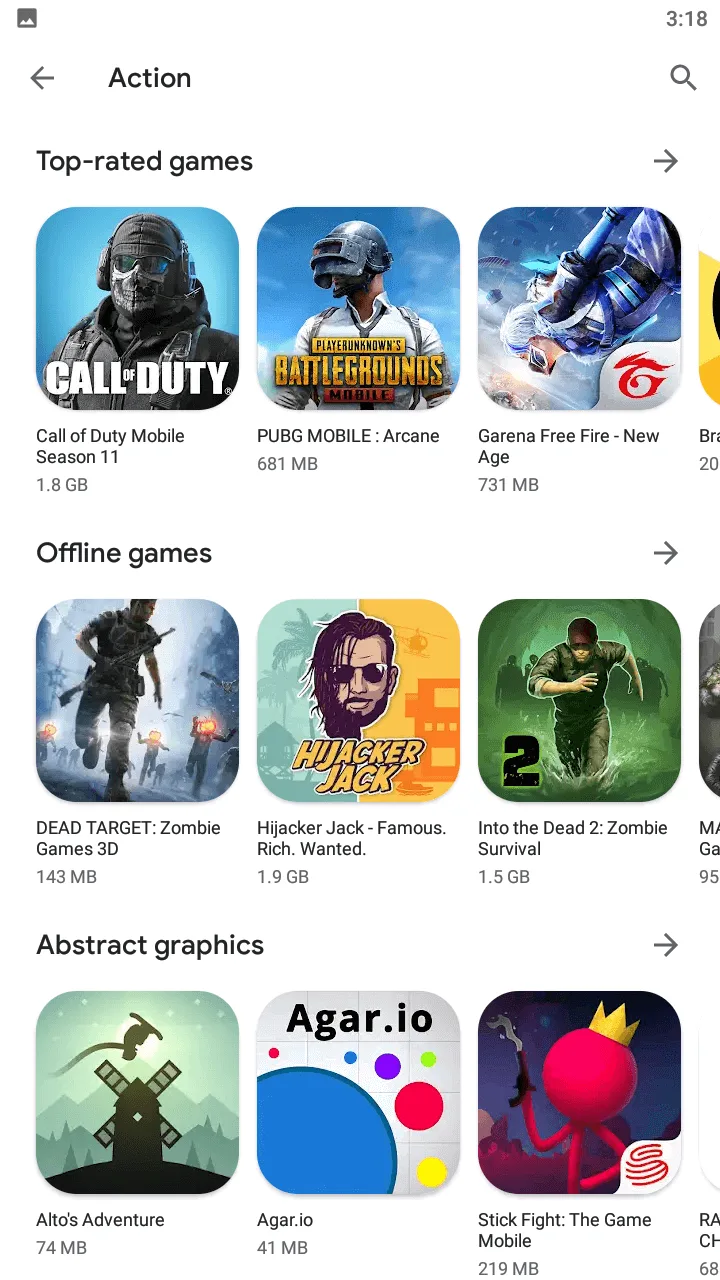
Google Play Store is more than a catalogue with an Install button. On Android it connects app discovery, updates, licences, family purchases and security checks. A store problem can therefore affect downloads, subscriptions and updates at once. Start by checking the selected account, available storage and Google services rather than reinstalling an APK from an unknown source.
Read the details on an app listing
Before installing, look beyond the average rating. The update date helps indicate ongoing support; the Data safety section describes the developer’s declared collection and sharing practices; permissions should match the purpose of the app. A torch requesting contacts is questionable, while camera and microphone access can make sense for a messenger such as Telegram but should still be granted deliberately.
Read recent reviews and, where possible, feedback from users with a similar device. A three-year-old complaint may concern an interface that no longer exists, whereas repeated problems after the latest update can reveal a current issue. An age rating describes content but does not replace family controls or a conversation about in-app purchases.
Keep updates under control
Automatic updates are particularly useful for browsers like Chrome, banking apps and communication tools, where security fixes matter. For large games and video editors, Wi-Fi-only downloads can save mobile data. Installation may also need extra space for unpacking files and building a cache.
If a download remains pending, check the queue first: one large file can delay other updates. Then check free space, the network, date and time, and try restarting the device. Clearing store data is a later step; it resets local Play Store settings but does not remove purchased apps from the Google account.
Play Protect adds a safety check
Google Play Protect scans store apps and can check apps installed from other sources. It is a useful safeguard, not a guarantee of complete safety. Be cautious with modified packages, promises of free subscriptions and files that ask you to disable protection. A routine app update should not require giving an unknown installer device-administrator access.
Package names and developer names help distinguish genuine apps from imitations. Since icons can look similar, use the service’s official website or a verified link to reach its store page. Requiring password or biometric authentication for purchases helps prevent accidental charges, especially on a shared device.
Accounts change what the store displays
The catalogue, purchase history, family library and app availability depend on the selected Google account and region. If a previously purchased app displays a price, check the profile first. Work, school and personal accounts can have different restrictions, and managed devices may block certain categories.
Family groups can share eligible purchases and require approval for children’s accounts, avoiding the need to share a main account password. Gift cards, payment methods and subscriptions are also tied to the account country. Changing regions for one app can affect prices and access to other services.


[…] Events, daily scenarios and clan tasks add goals between career matches. Save rewards for a particular development target rather than spending immediately. The game includes purchases and random items; on children’s accounts, turn on purchase authentication in the Google Play Store. […]
[…] bought through Google Play are managed from the Payments and subscriptions area of the Play Store, while plans bought on the web are managed from your OpenAI […]
[…] be played without spending anything at all. Families can combine the regional loot box rules with Google Play purchase approval for extra […]
[…] details for the app, including what data is collected, are shown in the Data safety section of the Google Play listing and in Temu’s privacy policy, and both are worth reading before creating an […]
[…] On a child’s device, review permissions, communication features and purchase controls in the Google Play Store account […]
[…] come from the official Android listing, and installing through the publisher’s page in the Google Play Store is the direct route to the genuine app and its updates. Game availability and moderation can change […]
[…] use. The official developer is Google LLC and the package is com.google.android.apps.maps. On the Google Play Store page, the developer name sits under the app title and the package name appears in the page address: […]